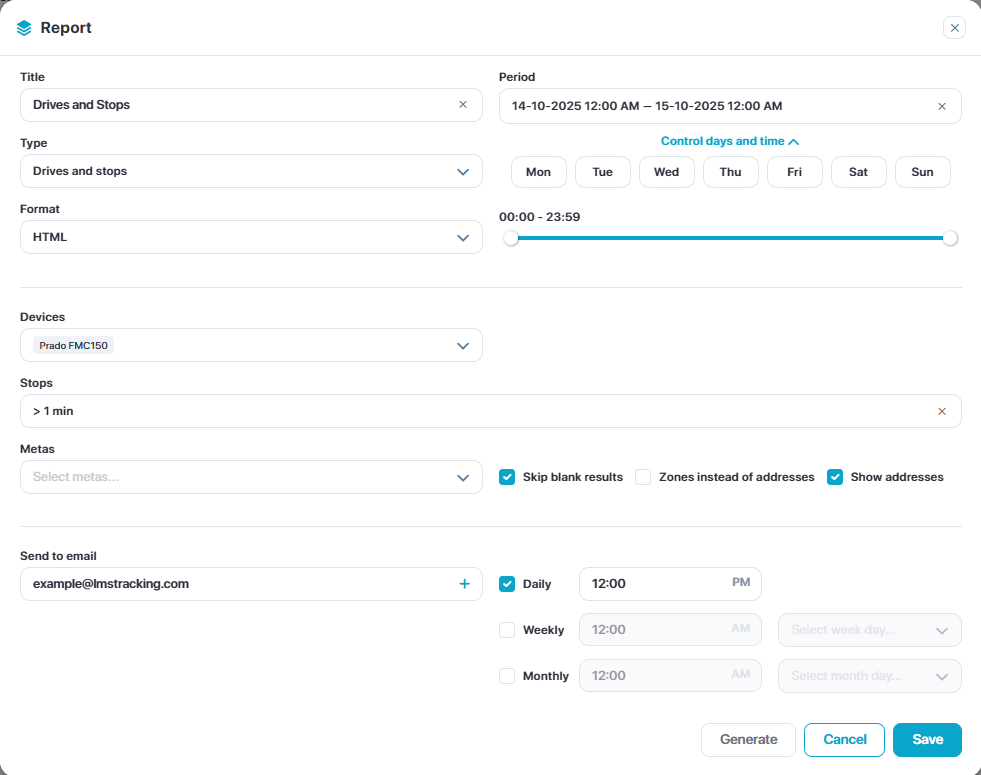
Object Reports

Select Reports from the main side menu to view, edit, generate or view scheduled reports
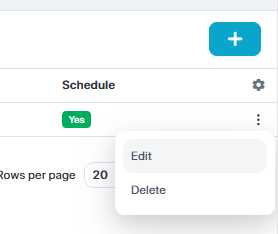
To edit or generate an existing report, select the three dots on the far right of the report.
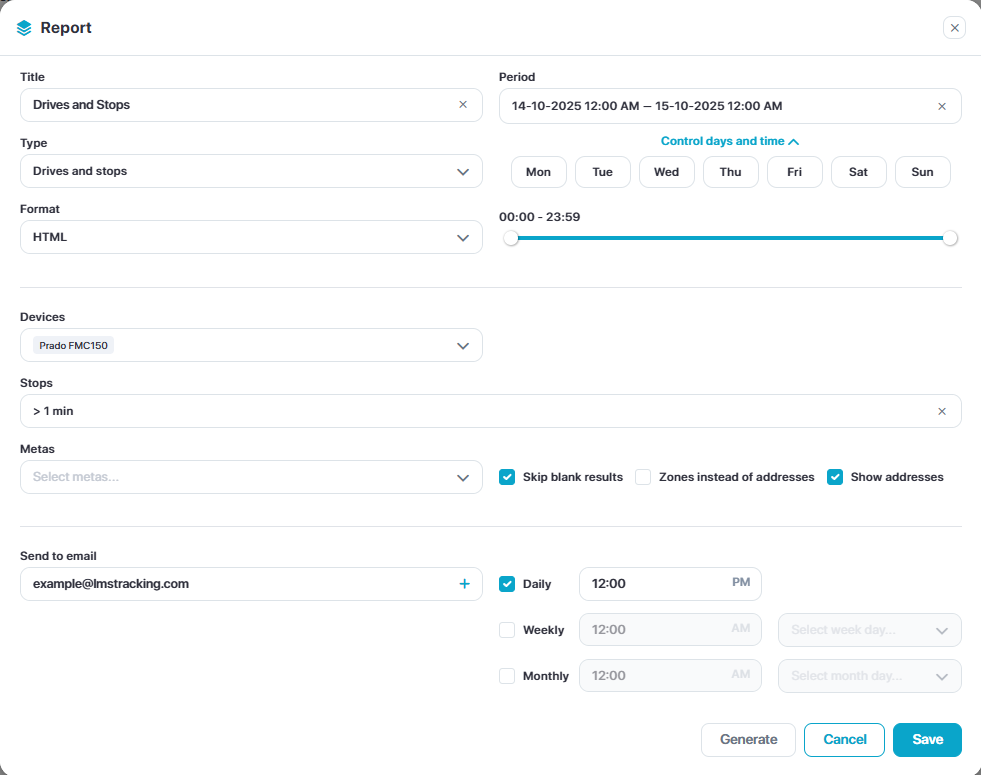
Edit the available parameters and click save and/or generate.
Add New Report
Select the Add New in the top right then:
Name the report
Select the report template and select a format
Select devices & adjust variables
Optional: Add an email address for automated scheduling & select the schedule time + frequency
Click Save