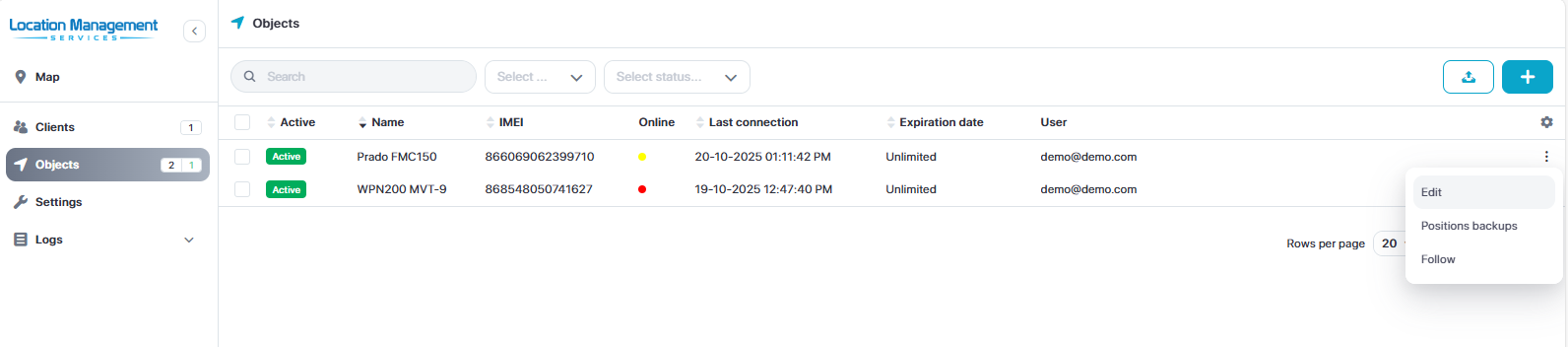
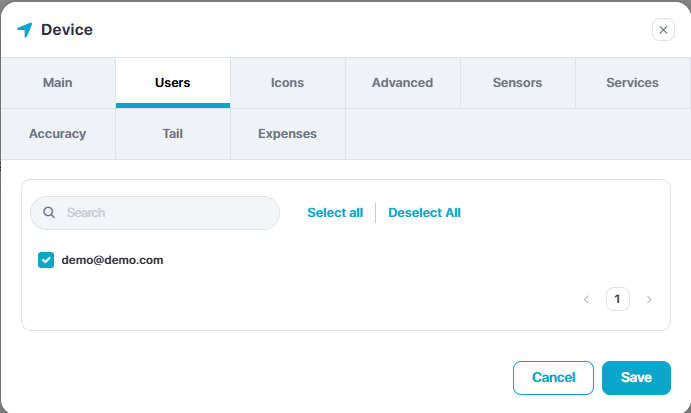
Operator accounts are useful for creating separate user accounts to only allocate selected devices and permissions.
This is intended to be used as employee accounts or hire accounts
Operator Account
Operator Admin Page
This page allows you to:
Access maps page
Manage client accounts
Manage objects
Manage companies
View report logs
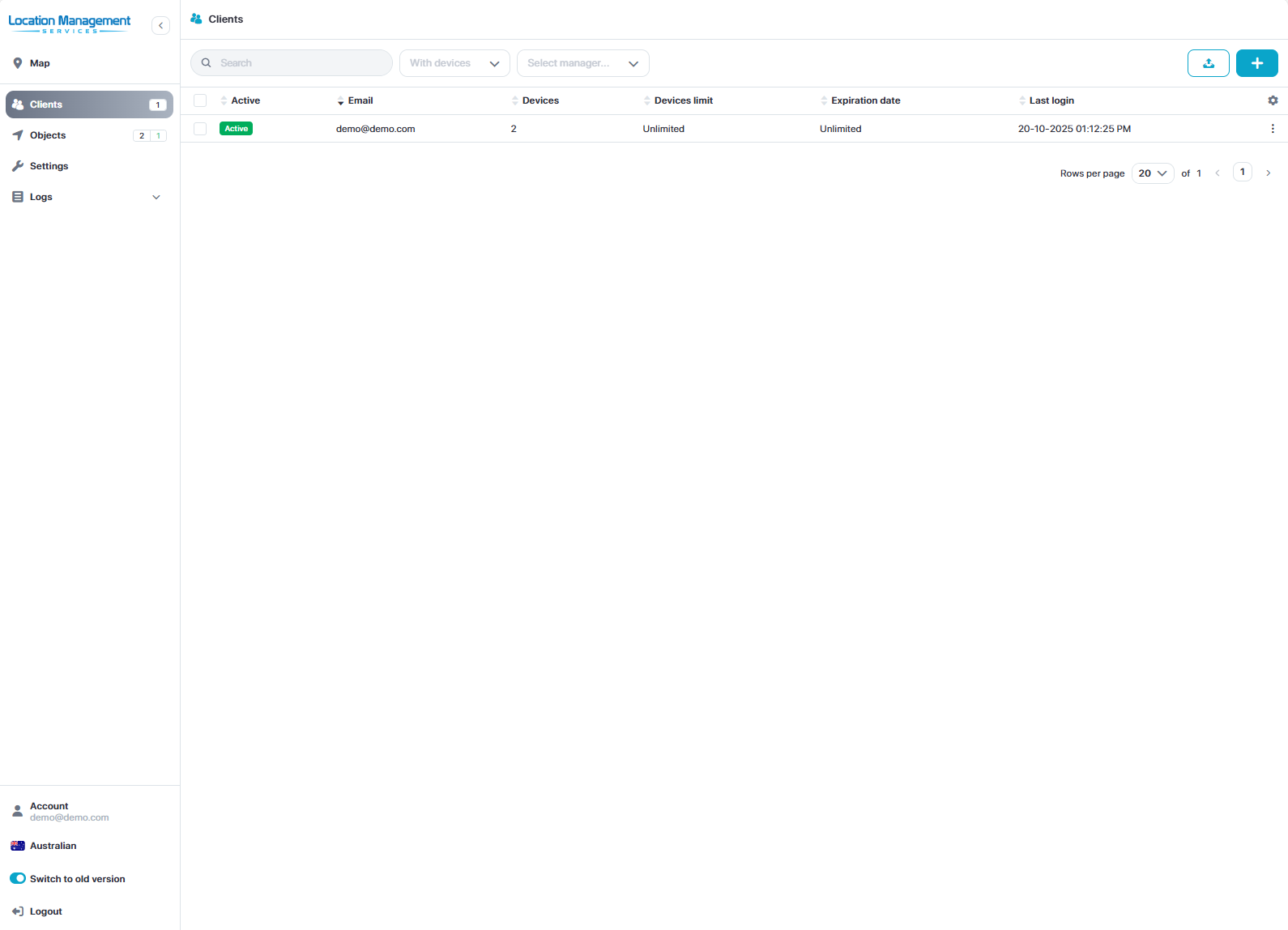
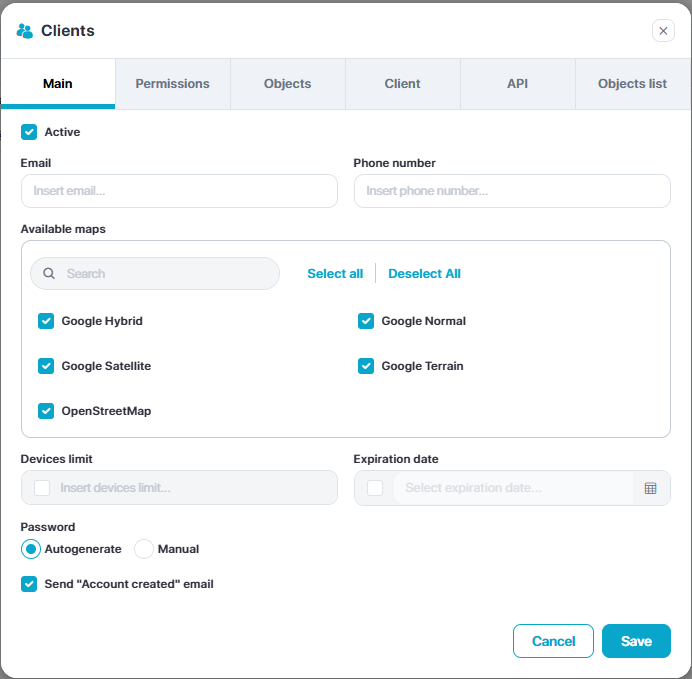
Create Client Account
Select the Clients tab
Select Add New (top right)
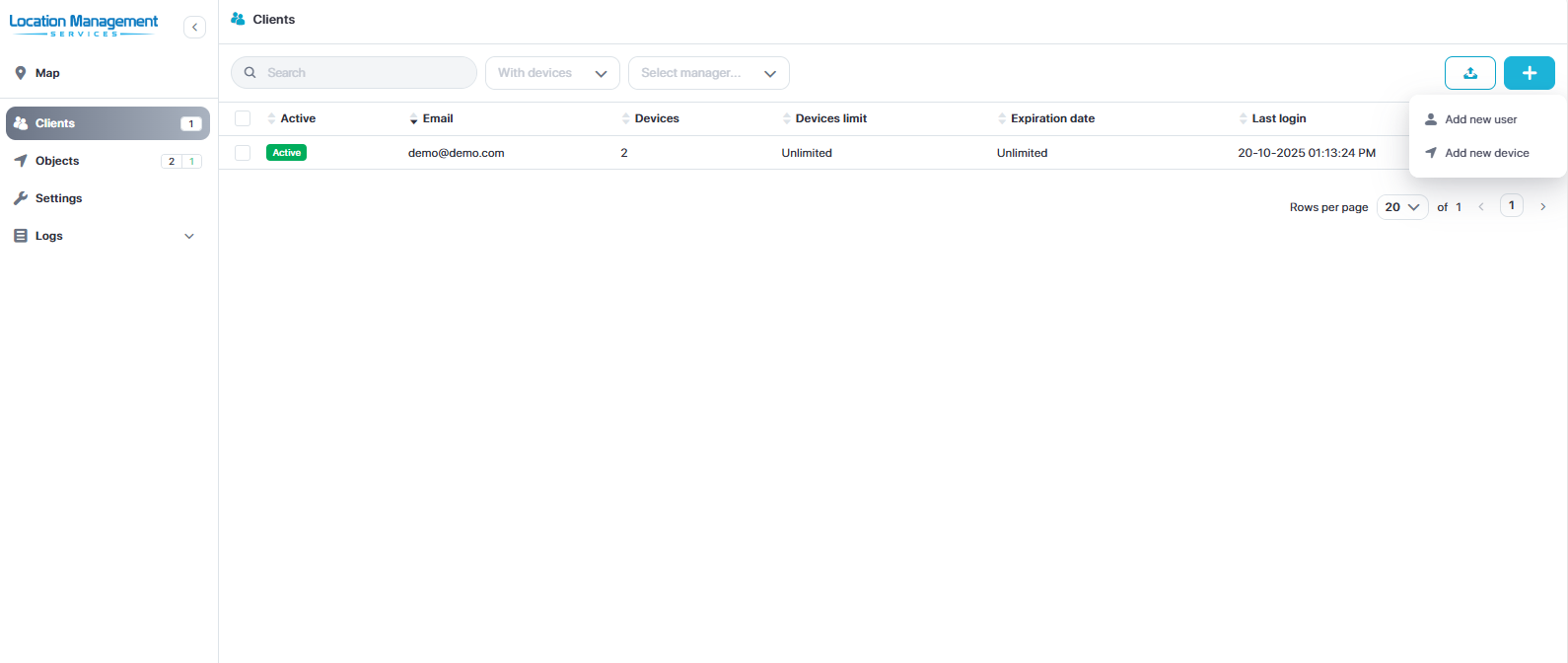
Input the client email
Select permissions required
Allocate objects
Adjust any other relevant setting and then click save
Object Management
Select the Objects menu
Click the edit menu for the object (three dots)
Adjust settings as required
Click Save